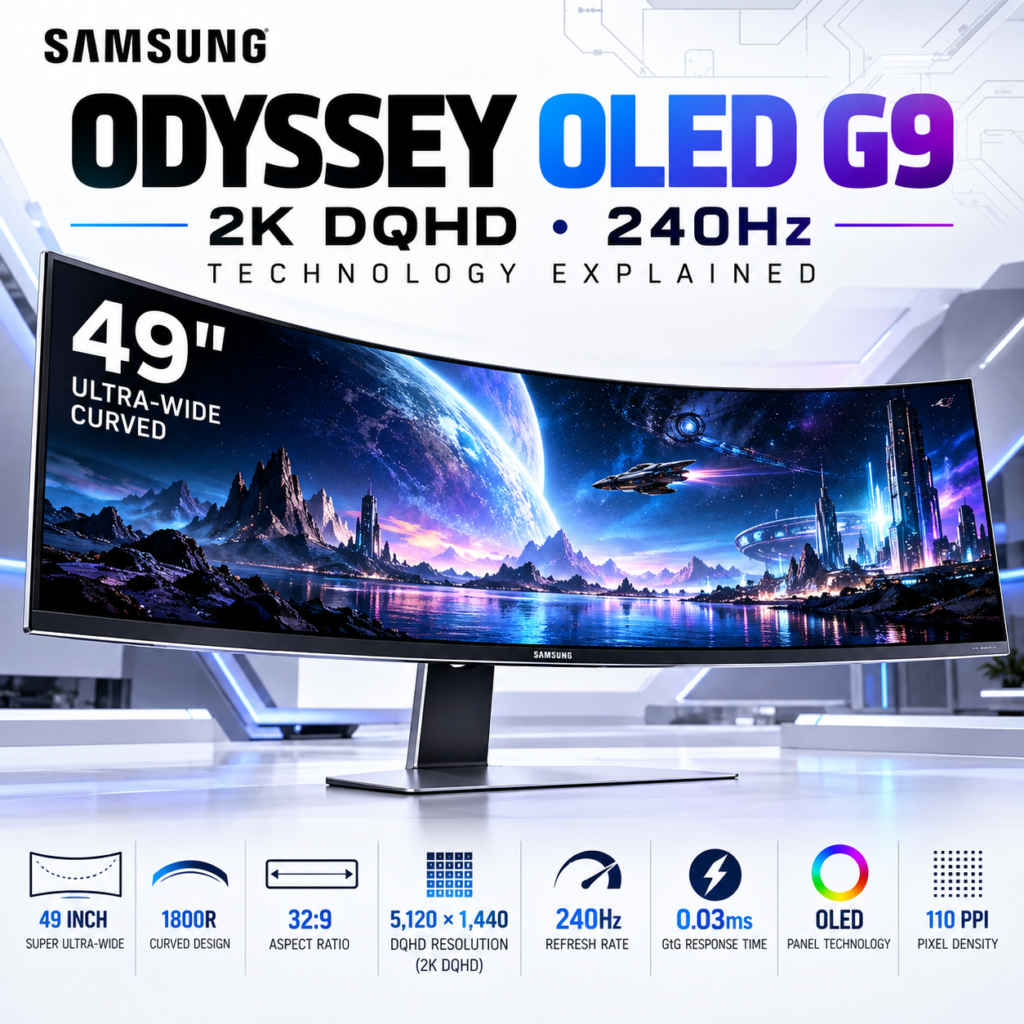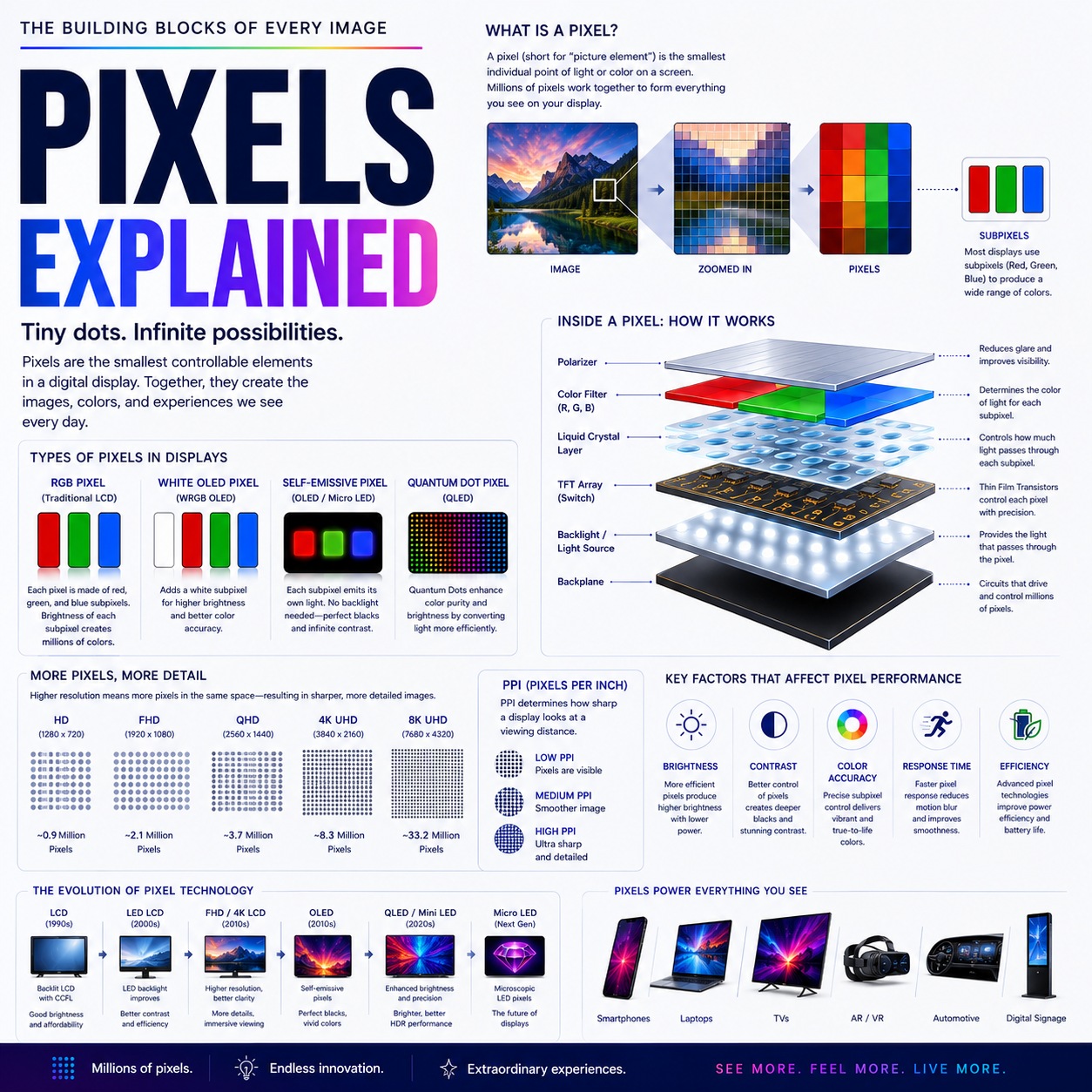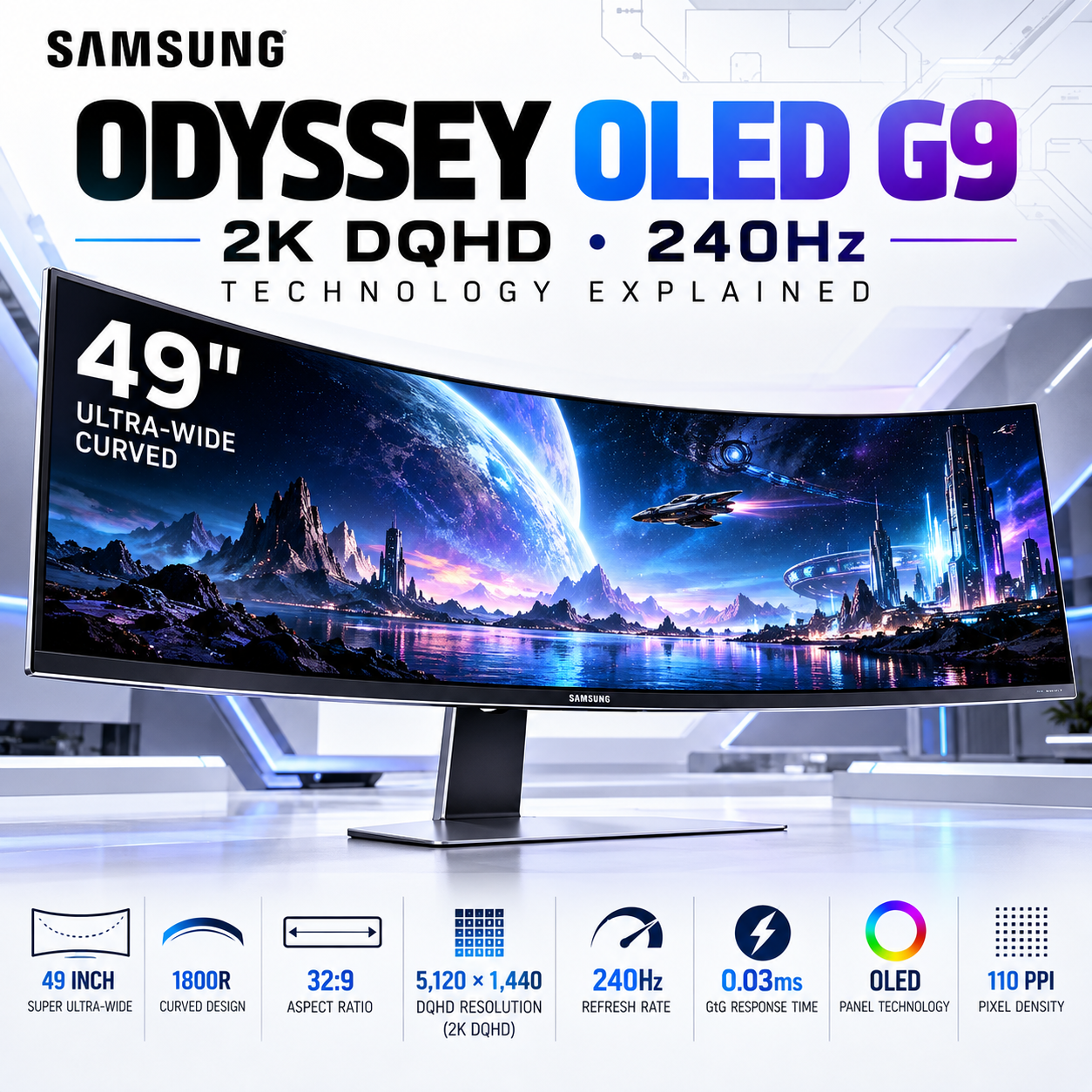
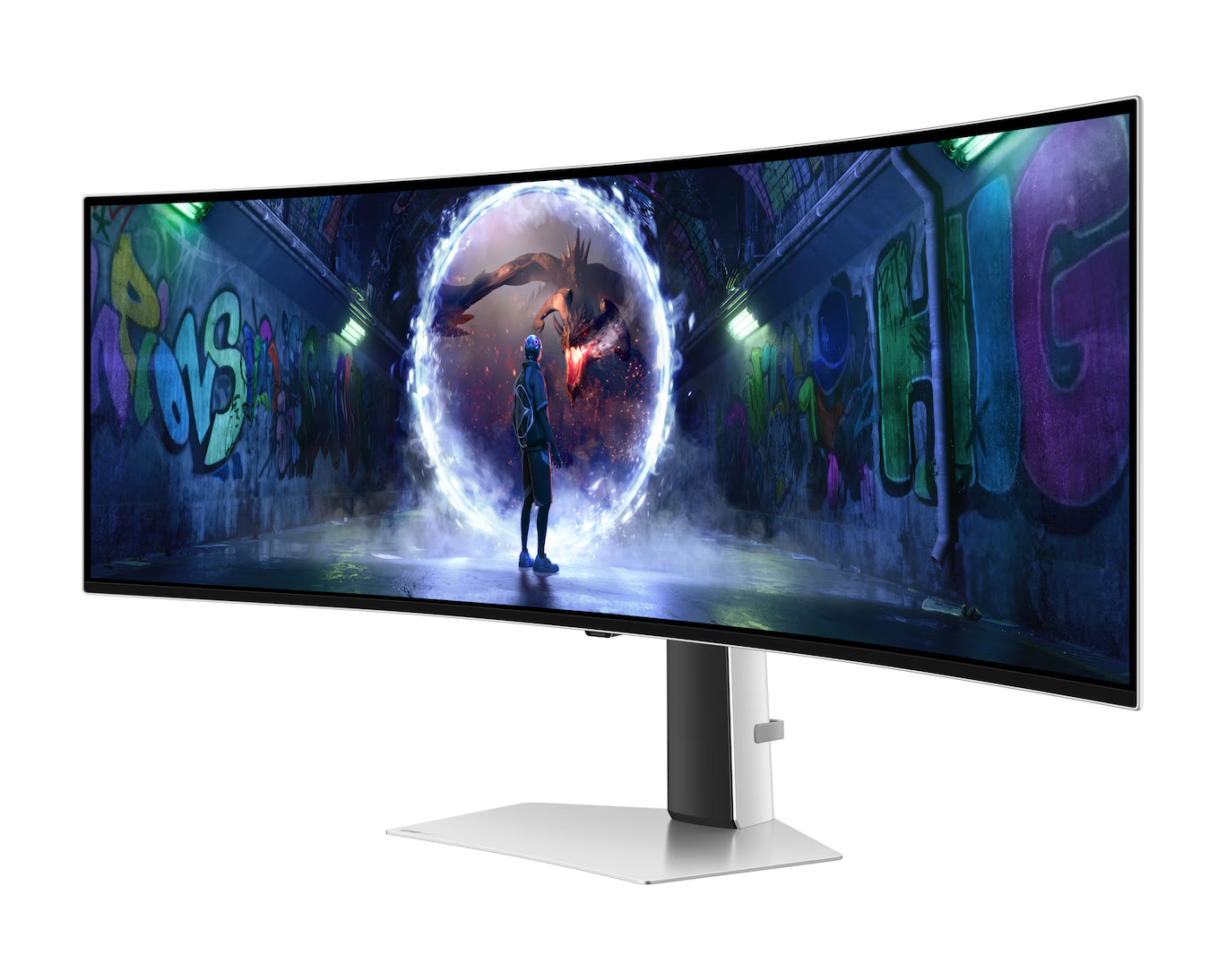
The Samsung 1.24 m (49-inch) Odyssey OLED G9 represents a different approach to the modern gaming monitor. Instead of increasing the height of a conventional 16:9 display, Samsung dramatically expands the horizontal workspace to create a 32:9 super-ultrawide canvas.
Thank you for reading this post, don't forget to subscribe!The result is a monitor with a 5,120 × 1,440 DQHD resolution, OLED panel technology, an 1800R curvature, and a 240Hz refresh rate. Samsung specifies a 0.03ms gray-to-gray response time, 250 cd/m² typical brightness, 1,000,000:1 static contrast, HDR10+/HDR10+ Gaming support, and 99% DCI coverage under its stated measurement standard for this model.
But the significance of the OLED G9 is not simply its specification sheet. The technology is interesting because it combines OLED pixel-level contrast, high refresh-rate gaming, a 32:9 workspace, and a 49-inch physical canvas into a single display.
At a Glance
| Specification | Samsung Odyssey OLED G9 |
|---|---|
| Screen size | 49-inch / 1.24 m |
| Panel | OLED / QD-OLED |
| Resolution | 5,120 × 1,440 |
| Resolution class | DQHD / Dual QHD |
| Aspect ratio | 32:9 |
| Curvature | 1800R |
| Refresh rate | Up to 240Hz |
| Response time | 0.03ms GtG |
| Typical brightness | 250 cd/m² |
| Static contrast | 1,000,000:1 |
| HDR | VESA DisplayHDR True Black 400 / HDR10+ Gaming |
| Color gamut | 99% DCI-P3-class coverage, Samsung specification |
| Adaptive sync | AMD FreeSync Premium Pro / G-SYNC Compatible |
| Ports | DisplayPort 1.4, HDMI 2.1, USB connectivity |
| PIP/PBP | Supported on applicable configuration |
| VESA | Supported |
| Speakers | Built-in on the specified configuration |
Samsung’s exact feature set can vary between G9 model numbers and regional versions, so specifications should be checked against the specific SKU being purchased.
1. The Technology Behind the 32:9 Format
The first thing to understand about the OLED G9 is that 49 inches does not mean it is simply a gigantic conventional monitor.
Its defining characteristic is the 32:9 aspect ratio.
A traditional monitor typically uses:
16:9
An ultrawide monitor commonly uses:
21:9
The G9 expands that concept to:
32:9
At 5,120 × 1,440 pixels, the display essentially provides the horizontal workspace of two 2,560 × 1,440 QHD displays placed side by side, but without the physical bezel separating the two panels. Samsung explicitly positions the DQHD format as equivalent to two QHD screens side by side.
That distinction is important.
Instead of:
Monitor 1 | Monitor 2
you get:
ONE CONTINUOUS DISPLAY
This changes how applications, games and desktop environments can be arranged.
2. Why DQHD Matters
The term DQHD can initially be confusing.
DQHD means:
Dual Quad High Definition
The resolution is:
5,120 × 1,440 pixels
A conventional QHD monitor provides:
2,560 × 1,440
Therefore:
2,560 × 2 = 5,120
while the vertical resolution remains:
1,440
The total pixel count is approximately:
7.37 million pixels
That gives the G9 considerably more horizontal workspace than a conventional 2560 × 1440 monitor while maintaining the familiar 1440-pixel vertical dimension.
For gaming, this means a much wider field of view in titles that properly support 32:9.
For productivity, it means multiple windows can coexist across the display without requiring two physical monitors.
3. OLED Changes the Display Equation
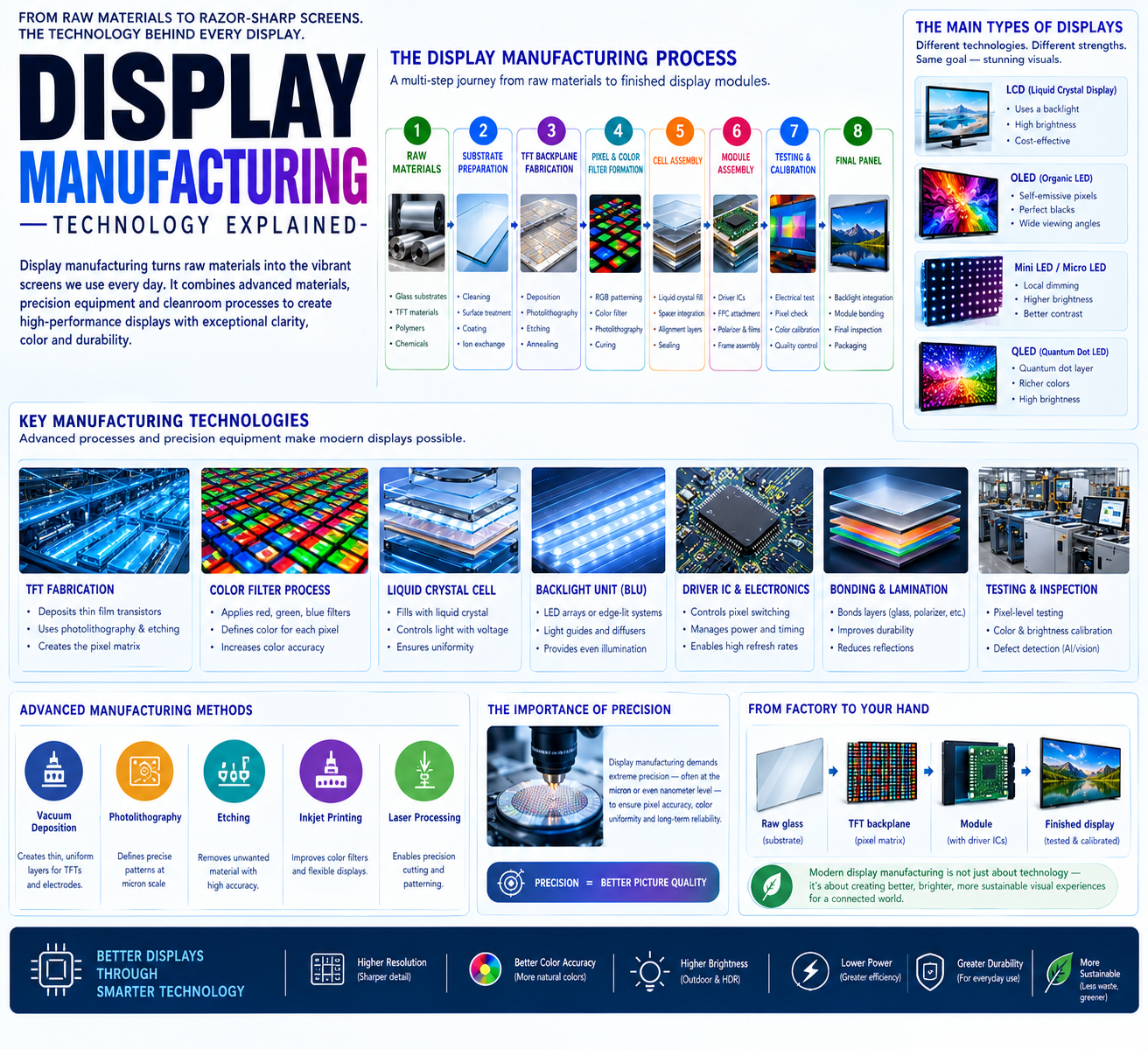
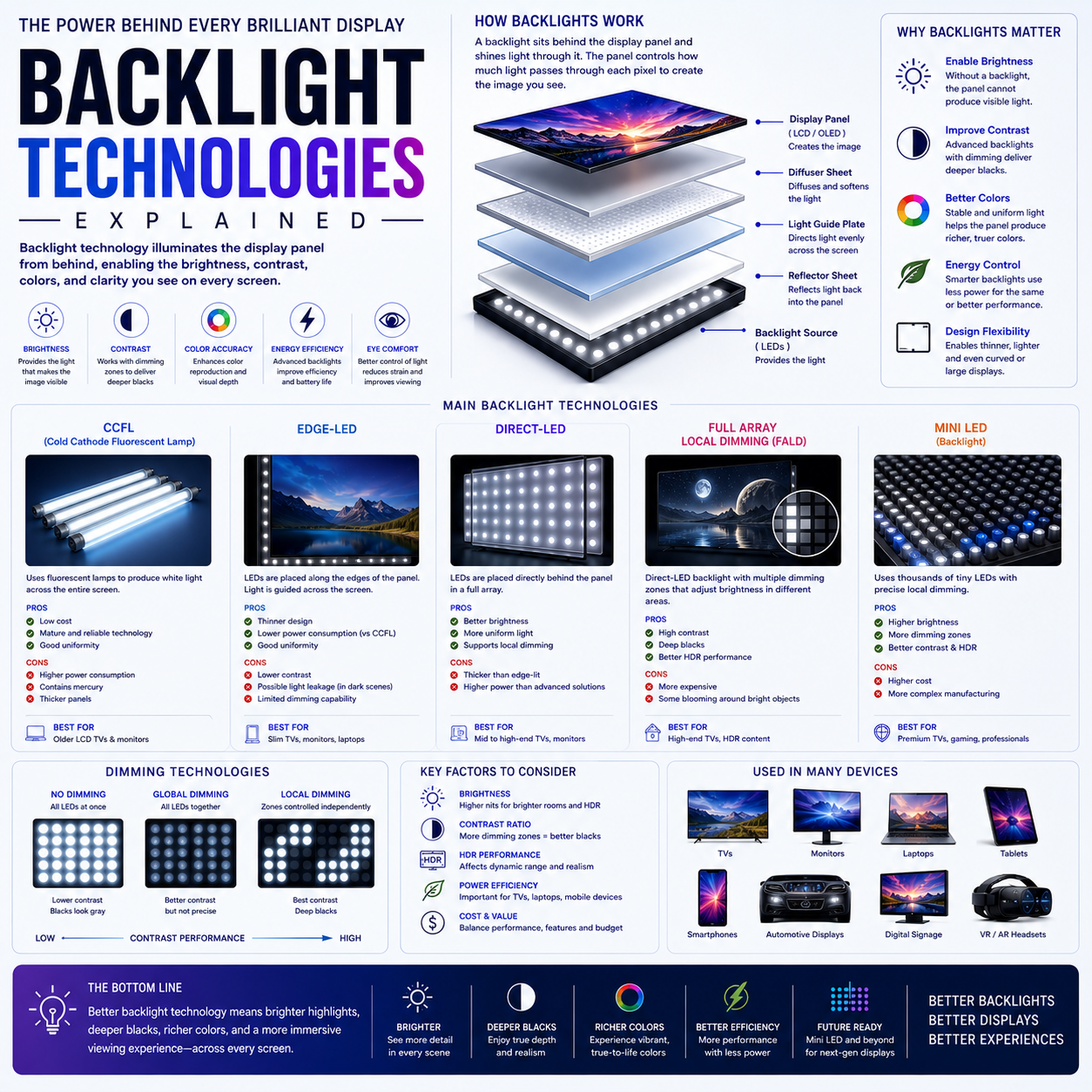
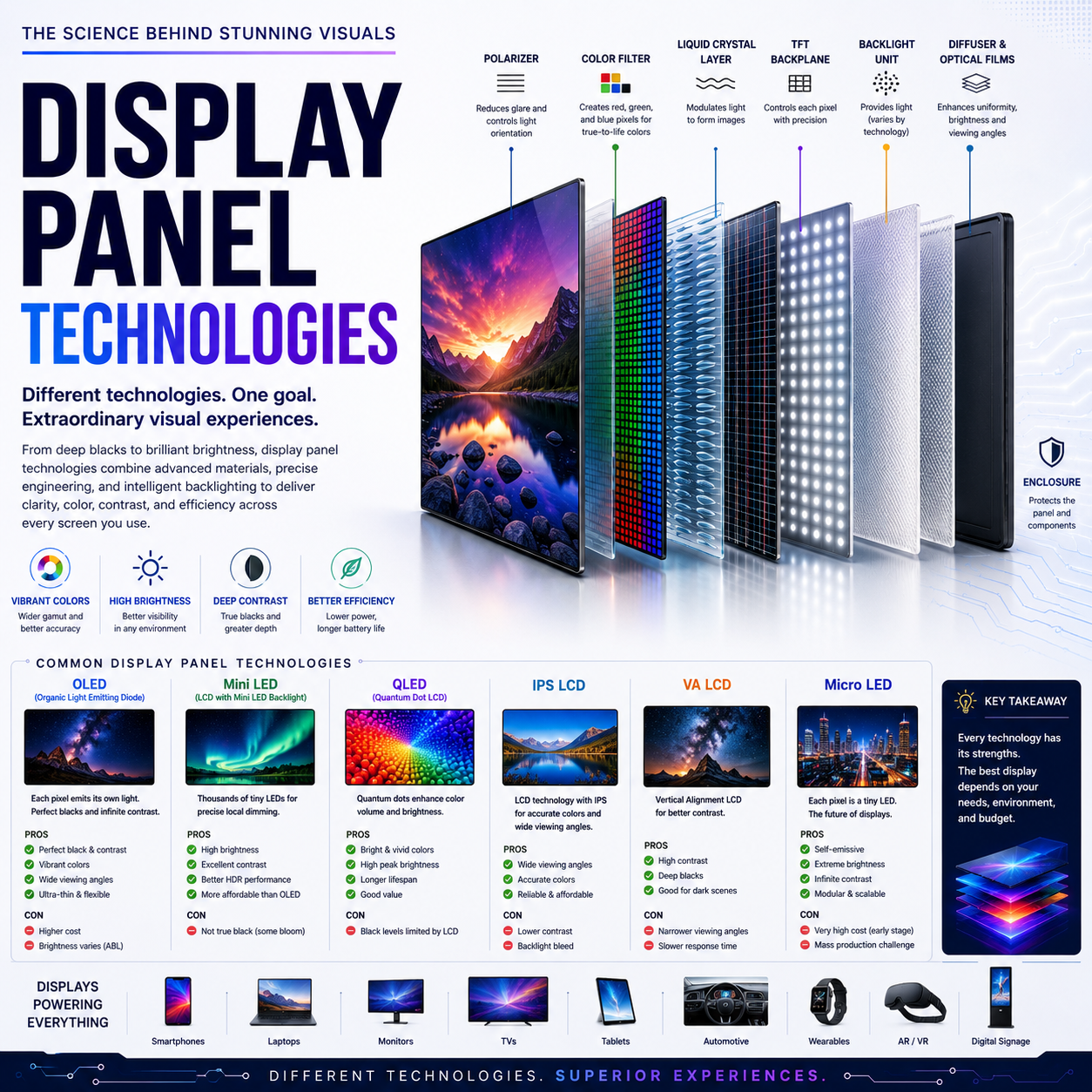
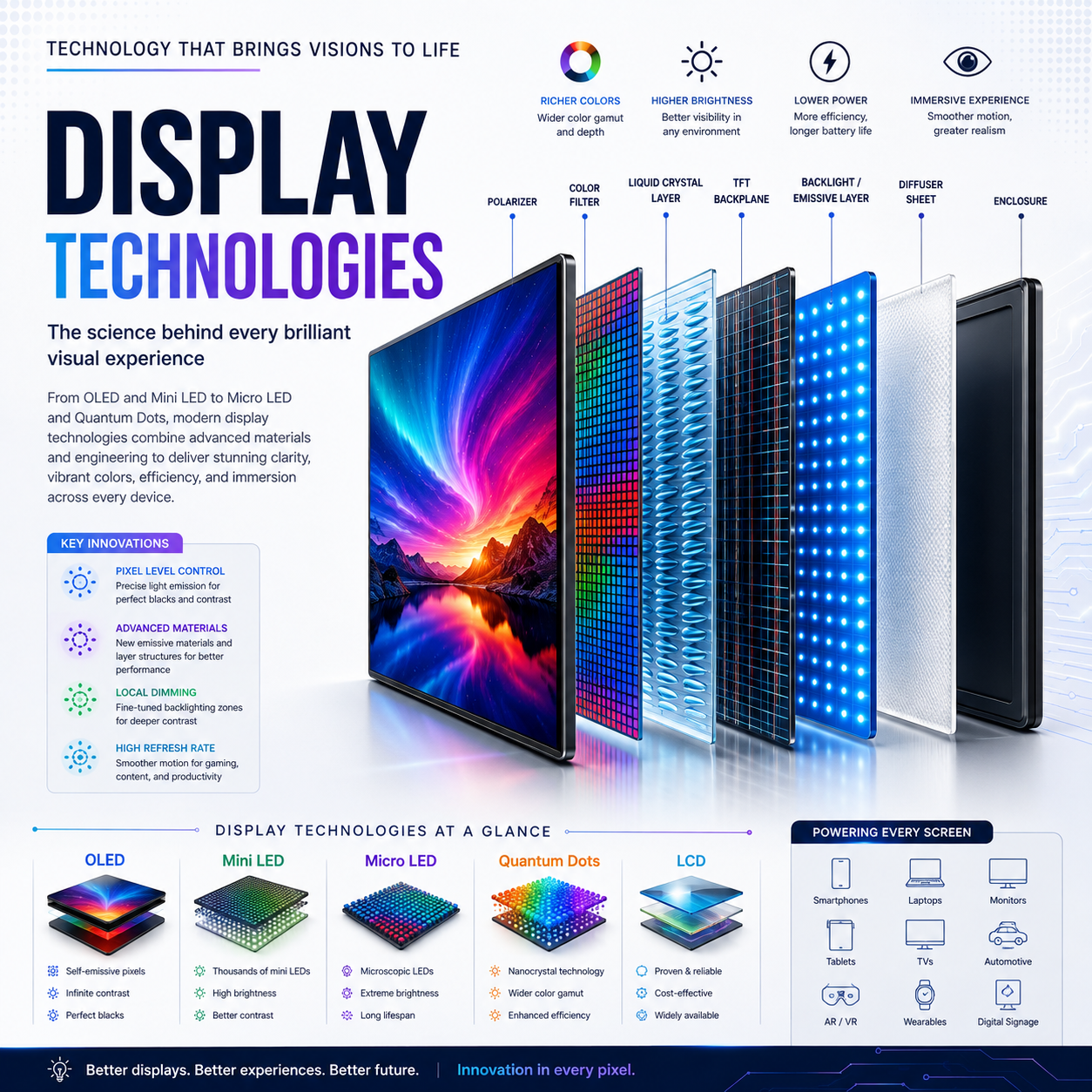
The most important technological difference between this G9 and conventional LCD ultrawide monitors is its OLED architecture.
With LCD technology, the display generally relies on a separate backlight.
OLED works differently.
Individual pixels generate their own light. When a pixel needs to display black, it can effectively turn itself off.
That produces a fundamental advantage:
Black → Pixel off
rather than:
Black → LCD pixel attempting to block a backlight
This is why OLED displays can produce extremely deep blacks and very high perceived contrast.
Samsung specifies a 1,000,000:1 static contrast ratio for the monitor.
Independent testing of the G95SC version also identifies it as a QD-OLED monitor and finds that its OLED architecture provides particularly strong dark-room black levels and motion handling.
4. QD-OLED and Quantum Dot Color
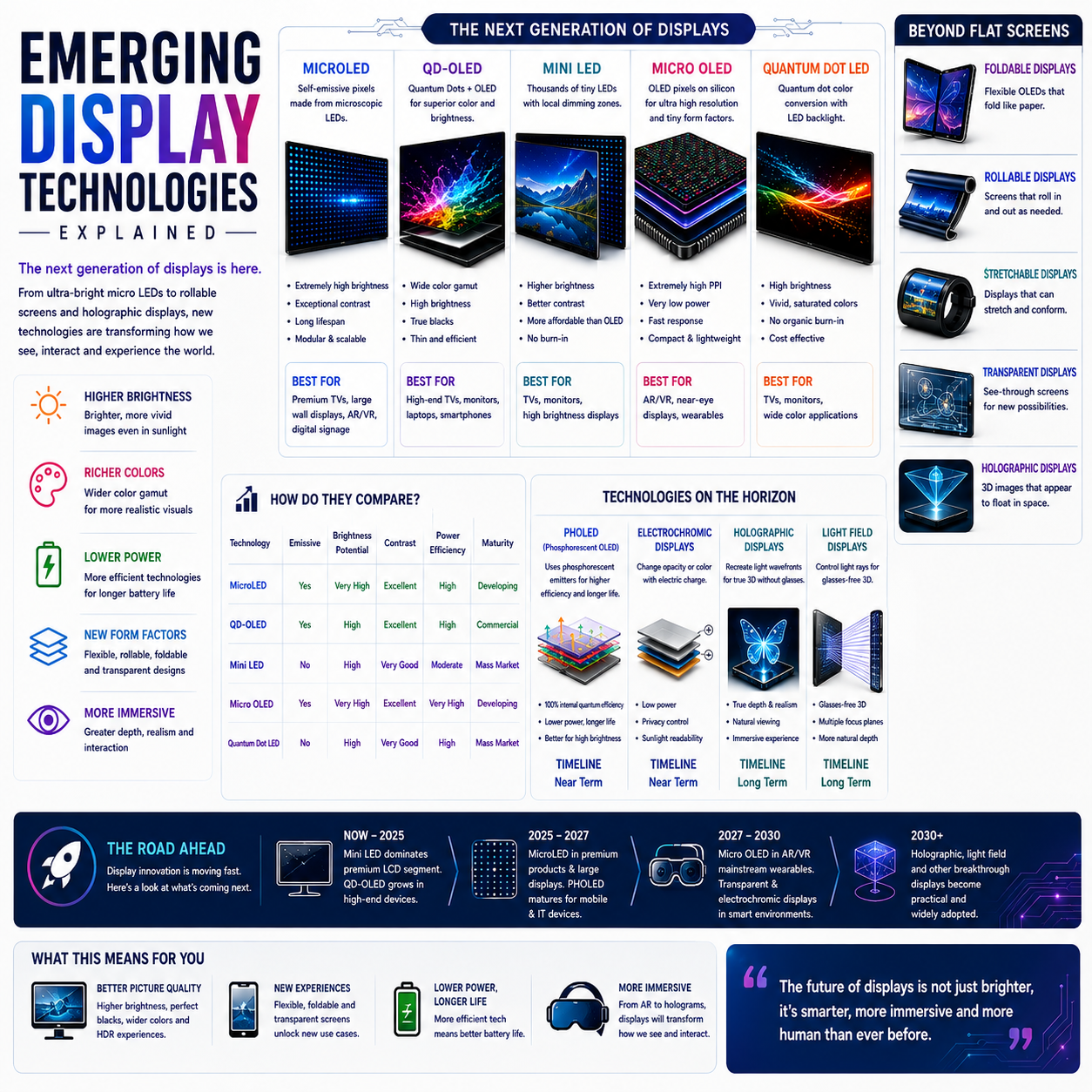
The G9’s OLED implementation is particularly interesting because the panel technology is based on QD-OLED.
QD-OLED combines OLED emission with a quantum-dot color-conversion layer.
Conceptually:
OLED light source → Quantum-dot color conversion → RGB output
The objective is to produce strong color volume and saturation while retaining OLED’s pixel-level contrast.
Samsung describes the technology as Quantum Dot Color, and its specifications list up to 99% DCI coverage under the CIE1976 measurement.
This becomes particularly useful in:
- HDR gaming
- Cinematic content
- High-color-gamut applications
- Photography
- Video editing
- Games with highly saturated environments
5. 240Hz: The Second Major Technology
The other defining characteristic is the 240Hz refresh rate.
A 60Hz display refreshes the image:
60 times per second
A 120Hz display:
120 times per second
A 240Hz display:
240 times per second
The time represented by one refresh at 240Hz is approximately:
4.17 milliseconds
That does not automatically mean every game will run at 240 frames per second. The GPU, game engine and graphics settings determine the actual frame rate.
Instead, the monitor provides the capability to display up to 240 refreshes per second when the source can supply the corresponding frames.
For fast competitive games, this can improve:
- Motion clarity
- Tracking
- Perceived responsiveness
- Smoothness
- Mouse movement
- Fast camera movement
Samsung specifies a 0.03ms GtG response time, while also noting that actual response/refresh behavior can depend on the input source and settings.
6. 240Hz at 5,120 × 1,440 Is a Serious GPU Requirement
There is an important technical consequence of combining:
5,120 × 1,440 + 240Hz + high graphics settings
The monitor contains approximately 7.37 million pixels.
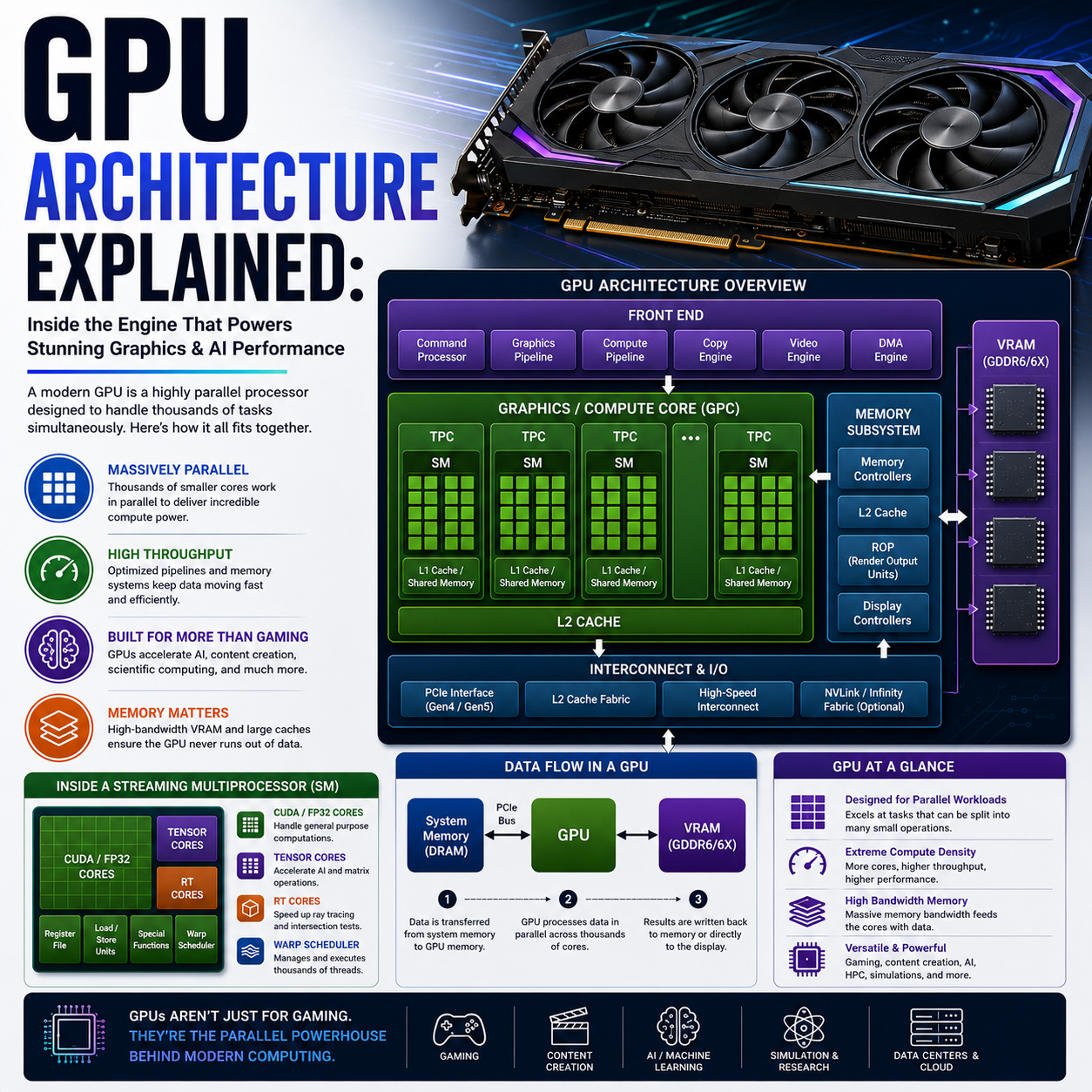
Driving those pixels at very high frame rates requires substantial graphics-processing capability.
The theoretical pixel throughput at 240 frames per second is approximately:
7.37 million × 240 ≈ 1.77 billion pixel positions per second
That does not represent the GPU’s actual rendering workload—it is not a benchmark—but it illustrates the scale of the display pipeline.
Therefore, buying a 240Hz monitor does not mean every PC can exploit 240Hz at maximum graphical quality.
The experience depends heavily on:
GPU → game engine → settings → frame rate → display → VRR
7. Variable Refresh Rate Is Critical
This is where technologies such as AMD FreeSync Premium Pro and G-SYNC compatibility become important.
Without variable refresh rate, the GPU and monitor operate on separate timing schedules.
That can result in:
- Screen tearing
- Stuttering
- Uneven frame delivery
VRR allows the display refresh cycle to adapt to the GPU’s frame output within its supported range.
Samsung lists AMD FreeSync Premium Pro, and the current product page also identifies G-SYNC compatibility.
For a high-resolution 240Hz display, VRR is particularly useful because real-world frame rates frequently fluctuate rather than remaining locked at 240fps.
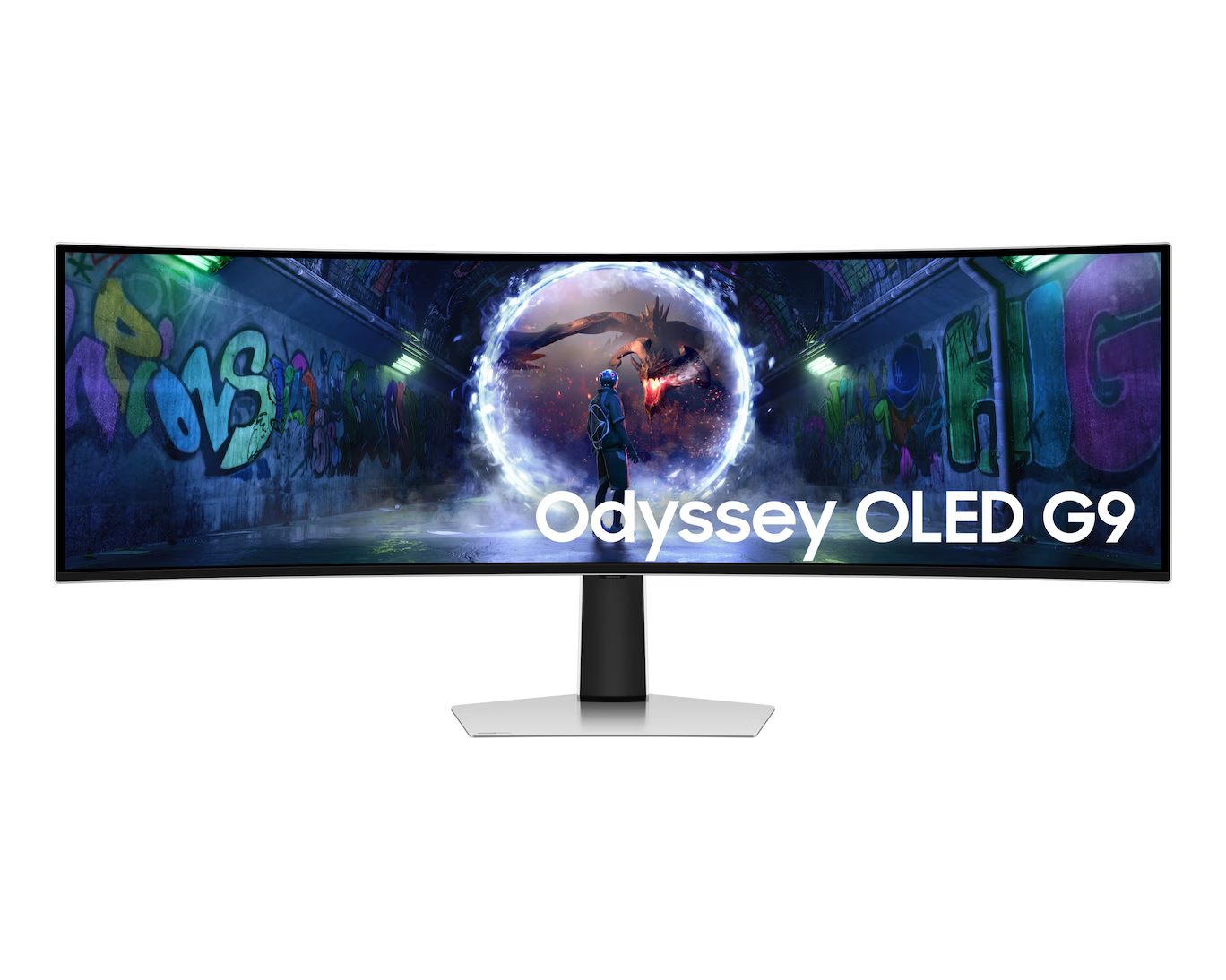
8. Why 1800R Curvature Matters
A 49-inch 32:9 display is physically extremely wide.
Without curvature, the edges would sit considerably farther from the user’s central viewing position.
The OLED G9 therefore uses an:
1800R curve
Samsung specifies the 1800R curvature for this model.
The purpose isn’t simply visual styling.
The curve brings the outer portions of the display closer to the user’s field of view.
This becomes particularly important because the monitor is approximately 1.2 metres wide.
Instead of turning your head toward distant corners, the curvature helps maintain a more consistent viewing geometry.
9. 32:9 and Immersive Gaming
This is arguably where the OLED G9 becomes most distinctive.
Imagine a racing game.
On a 16:9 monitor, the field of view is relatively narrow.
On 32:9, supported games can provide a substantially wider horizontal perspective.
The result can be particularly effective for:
- Racing simulators
- Flight simulators
- Space simulators
- Open-world games
- Strategy games
- Driving games
- Simulation environments
The display can effectively surround the user’s forward-facing field of view without requiring three separate monitors.
However, game support matters.
Not every game handles 32:9 identically. Some titles may support the aspect ratio natively, while others can introduce interface scaling problems, black bars or other limitations.
Therefore:
32:9 capability ≠ universal 32:9 game compatibility.
That distinction is important when evaluating an ultrawide monitor.
10. The Productivity Transformation
The OLED G9 isn’t only a gaming monitor.
Its 32:9 canvas can function as a digital workspace.
For example:
Browser | Word Processor | Research
or:
Code Editor | Documentation | Terminal
or:
Video Timeline | Preview | Asset Browser
or:
Spreadsheet | Email | Browser
A traditional dual-monitor configuration requires:
Display → bezel → display
The G9 instead provides:
one continuous desktop surface
This can simplify window placement and eliminate the central physical bezel.
Samsung also provides Picture-in-Picture and Picture-by-Picture functionality on the specified model, making multi-source workflows possible.
11. One Monitor Instead of Two
This is an important architectural concept.
A conventional dual-QHD setup could be:
27-inch QHD + 27-inch QHD
The G9 provides approximately the same horizontal pixel count:
2,560 + 2,560 = 5,120
while maintaining:
1,440 vertical pixels
The difference is physical integration.
With two monitors:
- Two panels
- Two stands or one dual-arm mount
- Central bezel
- Multiple cables
- Potential differences in color/calibration
With the G9:
- One panel
- One continuous desktop
- One physical screen
- One central display surface
That doesn’t automatically make it better for every user, but it represents a fundamentally different workspace architecture.
12. OLED and HDR
HDR is another area where OLED’s architecture becomes relevant.
Because OLED pixels can individually control their light output, dark portions of an image can remain genuinely dark while brighter regions remain illuminated.
This is particularly effective in:
- Night scenes
- Space scenes
- Dark game environments
- Cinematic content
- High-contrast imagery
Samsung lists VESA DisplayHDR True Black 400 and HDR10+ Gaming for the relevant G9 specification.
However, HDR should not be evaluated solely from an HDR certification label.
Real HDR performance also depends on:
- Peak luminance
- Sustained luminance
- Highlight size
- Tone mapping
- Black level
- Color volume
- Content mastering
Samsung lists 250 cd/m² typical brightness for the model, so buyers should understand that OLED’s strength here is not simply “maximum brightness”; it is the combination of black level, contrast, color and HDR image structure.
13. OLED’s Fundamental Trade-Off: Static Content
OLED also introduces a technology-specific consideration:
image retention and burn-in risk.
Static desktop elements can remain in the same locations for extended periods:
- Taskbars
- Application toolbars
- Browser UI
- Windows
- Game HUDs
- Status panels
Samsung’s current product specification states that burn-in during normal usage is covered within the warranty, while excluding commercial use, abuse or misuse. Users should still verify the exact warranty terms applicable to their region and SKU.
For someone using the G9 for eight hours of static office work every day, OLED usage considerations are therefore different from those of an LCD monitor.
This doesn’t make OLED unsuitable for productivity. It means the buyer should understand the technology and use the panel-protection features appropriately.
14. Glare-Free OLED
The particular Samsung India model identified as LS49DG930SW is marketed with OLED Glare Free technology.
Samsung says its Glare Free technology reduces reflections from external light sources and describes the surface as 54% less glossy than its conventional anti-reflection film, based on Samsung’s internal testing.
This matters because OLED’s excellent blacks can be visually compromised by strong ambient reflections.
Reducing reflections helps preserve the perceived contrast of dark scenes in brighter rooms.
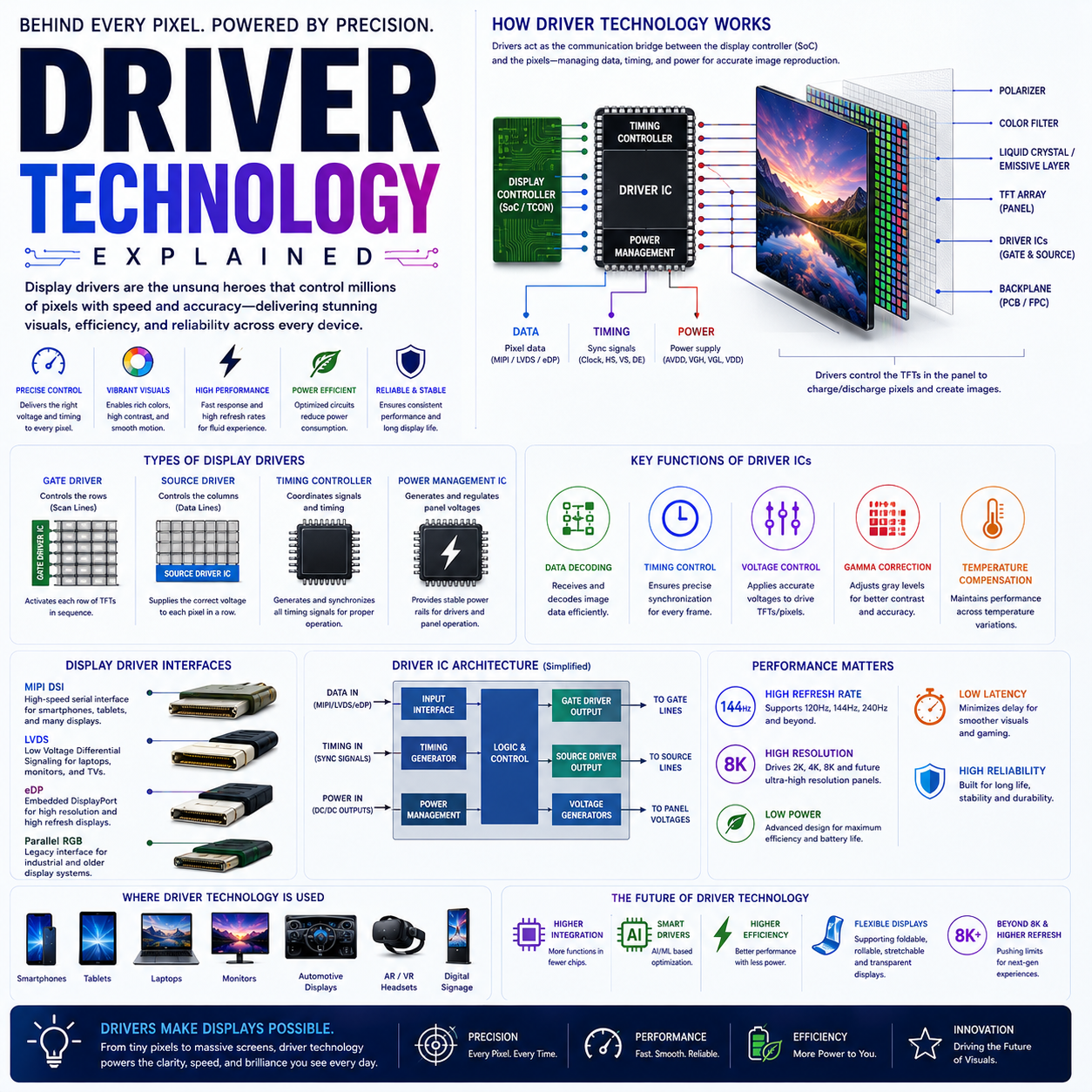
15. Connectivity Architecture
The monitor’s connectivity is designed around modern gaming hardware.
Samsung lists:
- DisplayPort
- HDMI 2.1
- USB connectivity
for the relevant G9 configuration.
DisplayPort and HDMI 2.1 are particularly relevant because high-resolution, high-refresh-rate operation requires substantial bandwidth.
The monitor’s ability to accept high-refresh signals therefore isn’t just a software feature—it depends on the entire signal chain:
GPU → cable → interface → monitor electronics → panel
16. The Monitor as a Computing Interface
The deeper technology story behind the OLED G9 is that modern monitors are increasingly becoming computing interfaces rather than passive displays.
A display now includes:
- Display processing
- Scaling
- HDR processing
- Adaptive synchronization
- USB connectivity
- Multi-input management
- Firmware
- Smart features
- Gaming modes
- Image processing
Samsung’s G9 family has also included models with the Neo Quantum Processor Pro, Smart TV functions, Gaming Hub and other smart capabilities, although exact features differ between G9 variants.
This is why comparing monitors solely on:
size + resolution + refresh rate
is increasingly inadequate.
17. 110 PPI: The Balance Between Size and Resolution
Samsung lists approximately 110 pixels per inch for the 49-inch DQHD display.
That is an interesting middle ground.
It provides substantially more horizontal workspace than a normal QHD monitor without requiring the enormous GPU workload associated with 4K at 240Hz.
Think of the resolution architecture as:
5,120 horizontal pixels
1,440 vertical pixels
rather than:
3,840 × 2,160
The G9 therefore prioritizes horizontal immersion and workspace rather than maximum vertical pixel density.
18. Who Is the 49-inch OLED G9 Actually For?
The monitor makes the most technological sense for users who can exploit its width.
PC Gaming
Especially:
- Racing
- Simulation
- Flight
- Strategy
- Open-world gaming
- Competitive titles supporting 32:9
Content Creation
Particularly:
- Video editing
- Audio production
- Timeline-heavy applications
- Multitasking workflows
Professional Productivity
Useful for:
- Developers
- Researchers
- Financial analysts
- Engineers
- Writers
- Designers
- Data-heavy workflows
Enthusiast Workstations
For users who want to replace a multi-monitor configuration with one continuous display.
19. Who May Not Need It?
The technology becomes less compelling when the workload doesn’t benefit from the enormous horizontal canvas.
For example:
- Basic office work
- Simple web browsing
- Casual gaming
- Small desks
- Low-powered PCs
- Games with poor ultrawide support
A 49-inch 32:9 display is not simply a larger version of a conventional monitor.
It is a different workspace philosophy.
20. The Real Engineering Challenge: Driving the Display
The most interesting part of the OLED G9 may actually be the relationship between display technology and graphics hardware.
The system must coordinate:
5,120 × 1,440 resolution
with:
240Hz refresh
while maintaining:
HDR + VRR + low latency + high image quality
That creates a demanding graphics pipeline.
For the user, this means the monitor should be considered as part of a larger system:
CPU
↓
GPU
↓
Graphics API / Game Engine
↓
Display Output
↓
DisplayPort / HDMI
↓
Monitor Processing
↓
OLED Panel
↓
Pixel Response
The G9 is therefore not an isolated upgrade.
It can expose limitations elsewhere in the PC.
21. The Bigger Significance of the Odyssey OLED G9
The OLED G9 demonstrates a broader trend in display technology.
The industry is moving beyond the simple question:
“How many pixels does the monitor have?”
Modern display design increasingly involves several dimensions simultaneously:
Resolution
Refresh Rate
Pixel Technology
HDR
Color
Response Time
Adaptive Sync
Aspect Ratio
Physical Immersion
Software
The G9 brings almost all of these together in one product.
Its most important specification isn’t necessarily any individual number.
It is the combination:
49-inch + OLED + 32:9 + 5,120 × 1,440 + 240Hz + 1800R
That combination creates a display category that behaves differently from conventional monitors.
22. Final Analysis
The Samsung 1.24 m (49-inch) Odyssey OLED G9 is best understood as a super-ultrawide OLED computing and gaming platform, rather than simply a large gaming monitor.
Its DQHD 5,120 × 1,440 resolution creates the equivalent horizontal pixel space of two QHD displays, while the 32:9 ratio eliminates the physical central bezel. The QD-OLED architecture brings OLED-level black performance and strong color reproduction, while 240Hz and 0.03ms GtG target high-speed gaming. Samsung also combines the panel with VRR technologies, HDR, HDMI 2.1/DisplayPort connectivity and productivity-oriented multi-source features.
The most important caveat is that the experience depends heavily on the rest of the system. A sufficiently powerful GPU is needed to exploit 5,120 × 1,440 at very high frame rates, while game support determines how effectively 32:9 can be used. OLED also introduces different considerations for long-duration static desktop workloads.
Ultimately, the technology behind the OLED G9 is not about making a conventional monitor simply bigger. It is about changing the relationship between the user and the display—from a rectangular window into an application or game to a continuous digital workspace spanning the user’s horizontal field of view.
And that is what makes the 49-inch Odyssey OLED G9 particularly significant in the evolution of gaming and high-performance desktop displays.