Meta Description
Understand display power and efficiency across smartphones, tablets, laptops, monitors and TVs. Explore OLED vs LCD power consumption, Mini-LED efficiency, brightness, refresh rate, adaptive refresh, LTPO, always-on displays, Panel Self Refresh, DDIC and backplane efficiency, local dimming, Automatic Brightness Limiting, PWM and DC dimming, dark mode, HDR power requirements and thermal management. Learn how display architecture, image content, brightness and refresh rate affect battery life, heat and energy consumption, and why no single display technology is universally the most efficient.
Thank you for reading this post, don't forget to subscribe!In One Sentence
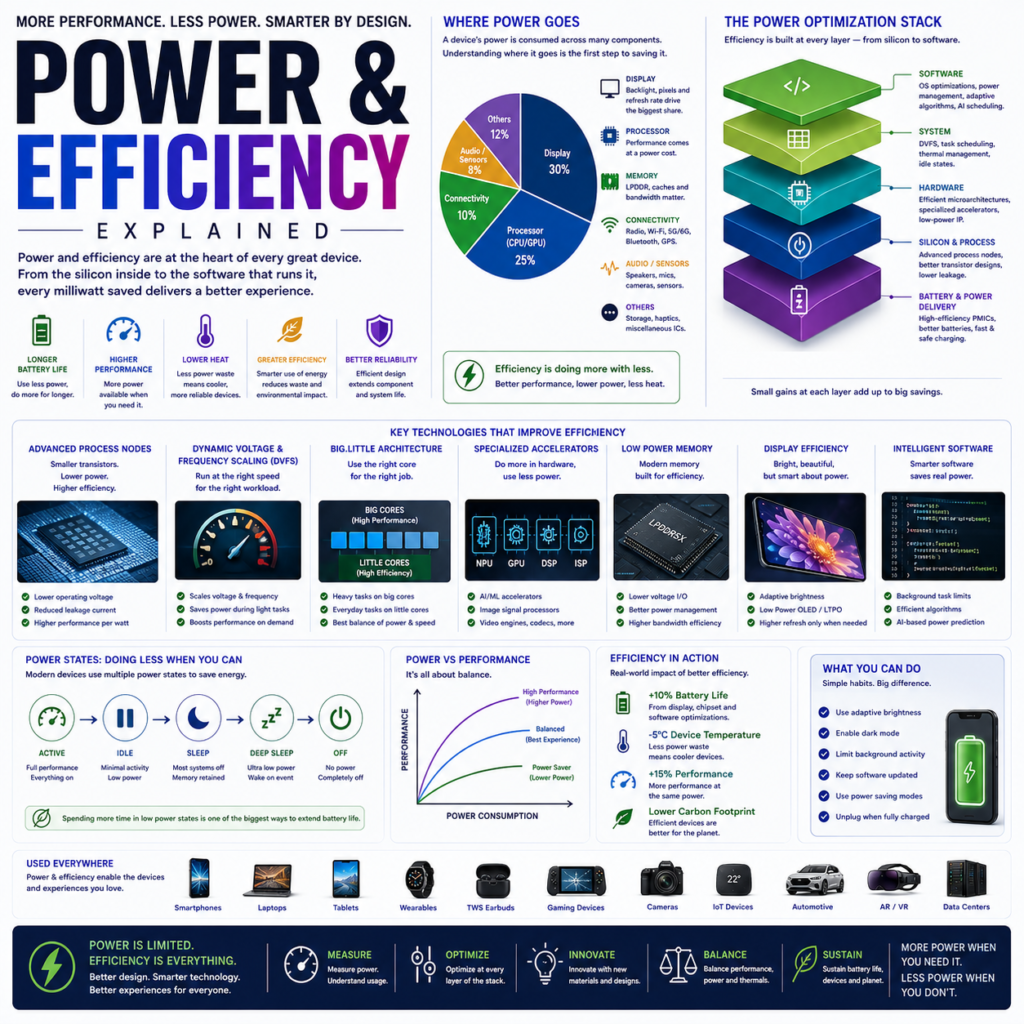
Display power consumption depends on the interaction between panel technology, brightness, refresh rate, backlight or emissive efficiency, backplane, display driver, image content and power-management algorithms, making display efficiency a system-level engineering problem rather than a single specification.
Introduction: The Display Is One of the Biggest Power Consumers
In a mobile device, the display can be one of the largest consumers of electrical energy.
Every time the screen:
- becomes brighter
- refreshes faster
- drives more pixels
- processes HDR
- maintains an always-on image
the display system may consume additional power.
The basic relationship is:
Battery
  ↓
Power Management
  ↓
Display Electronics
  ↓
Backplane / Driver
  ↓
OLED / Backlight
  ↓
Light
The engineering challenge is:
Deliver the required visual performance using as little energy as practical.
1. What Is Display Power?
Electrical power is the rate at which energy is consumed.
It is measured in:
watts (W).
For a display:
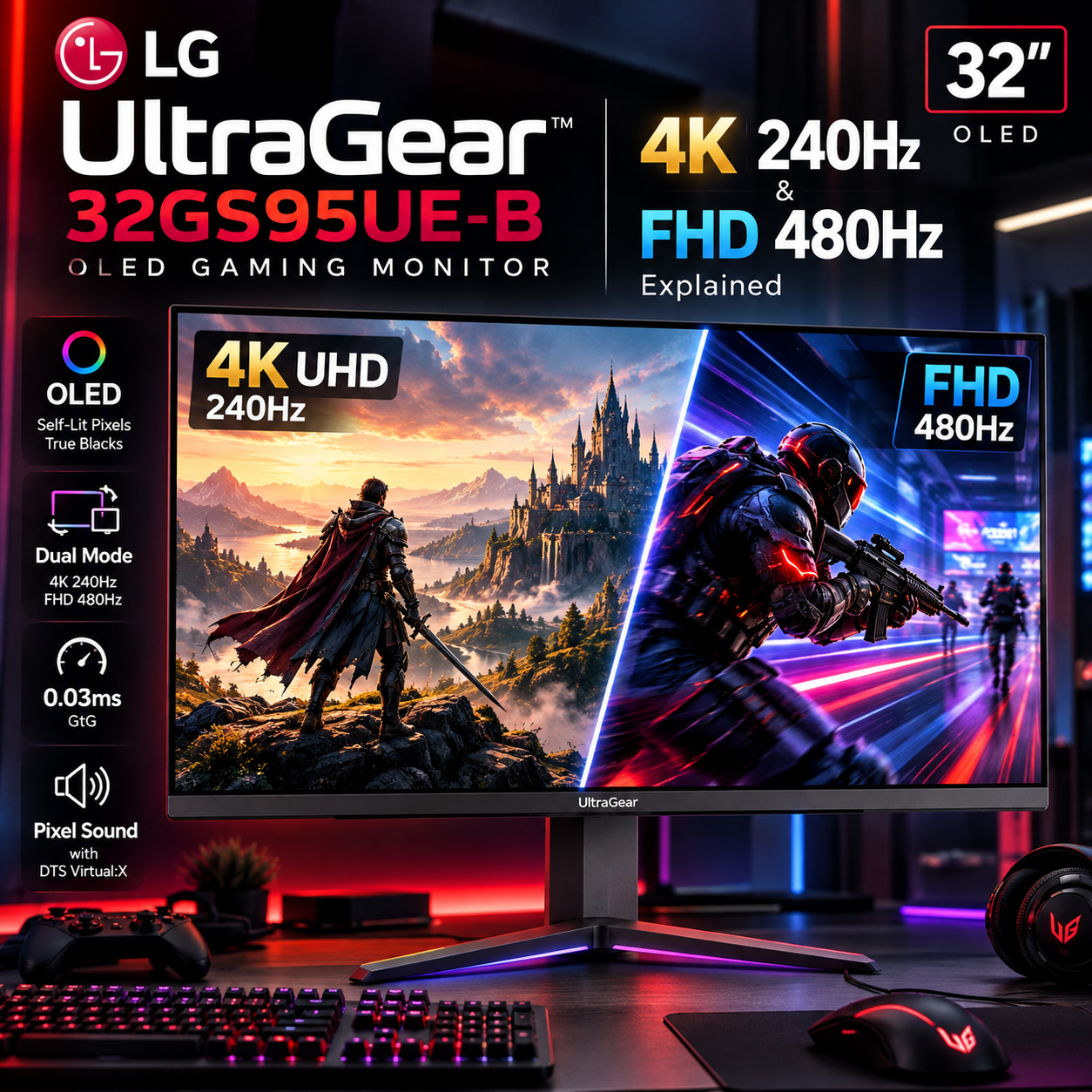
Voltage × Current = PowerA display’s instantaneous power can vary substantially depending on what it is displaying.
A dark OLED interface can have a very different power profile from a full-screen white image.
2. Display Power Is Not Constant
A common misconception is:
“This display consumes X watts.”
In reality, display power can vary with:
- brightness
- image content
- refresh rate
- resolution
- HDR
- ambient light
- display mode
- temperature
- panel technology
- power-saving features
Therefore, serious analysis should consider power under defined conditions, not only a single nominal value.
3. OLED Power Consumption
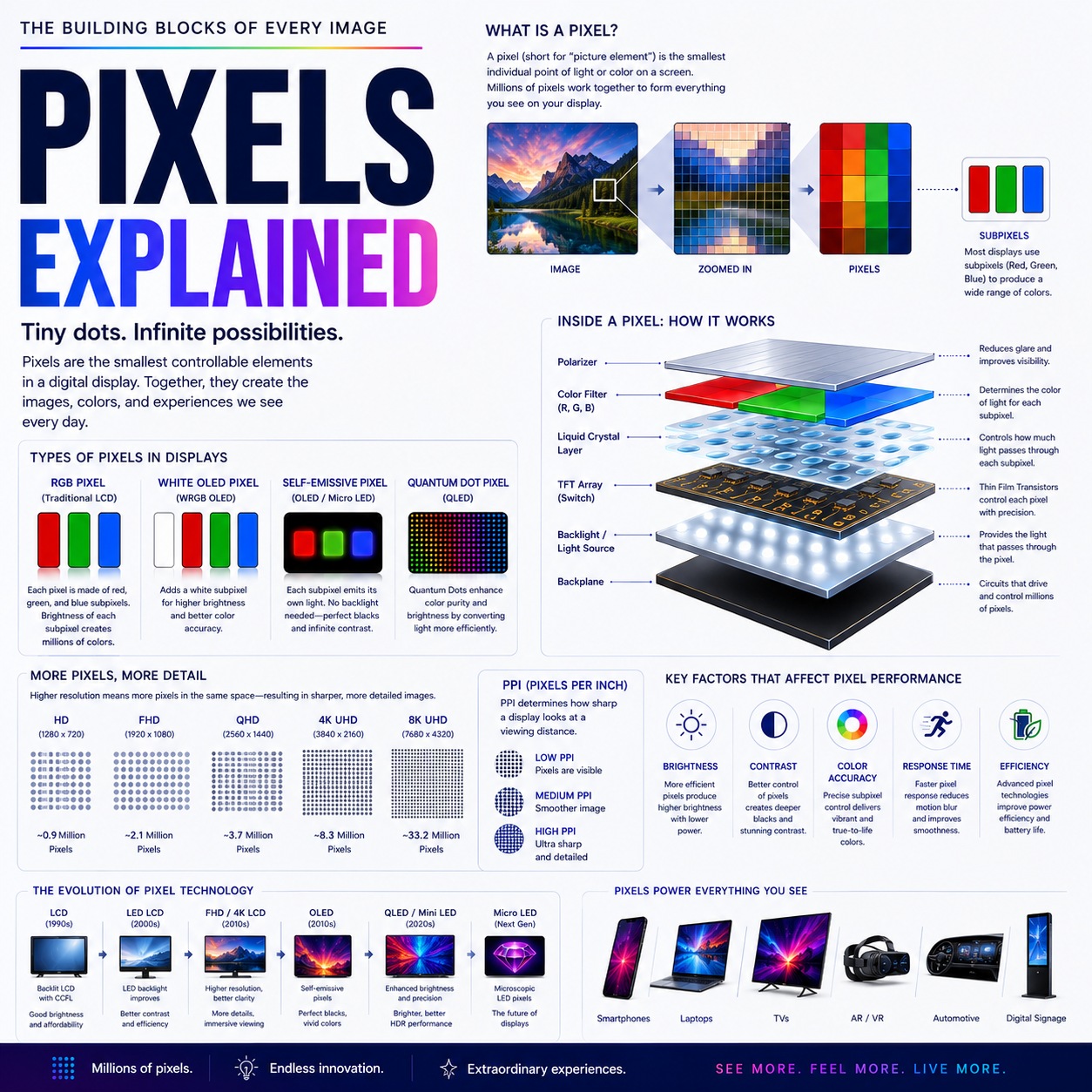
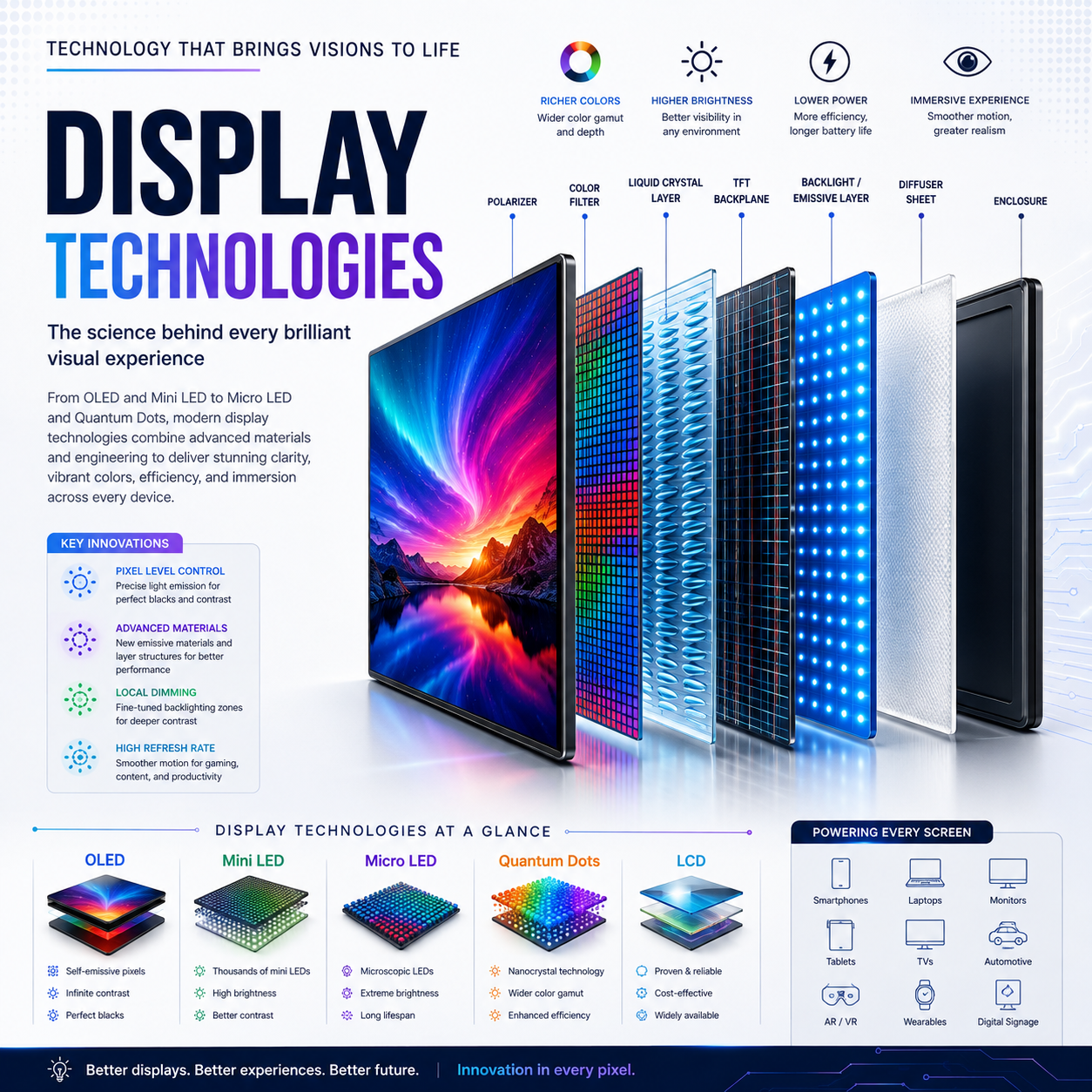
OLED is self-emissive.
Each pixel generates its own light.
Therefore:
Dark Pixel
   ↓
Low / near-zero emission

Bright Pixel
   ↓
Higher emission
This creates an important characteristic:
OLED power consumption is strongly dependent on image content and luminance.
A predominantly dark interface can consume considerably less display power than a bright full-screen image, all else being equal.
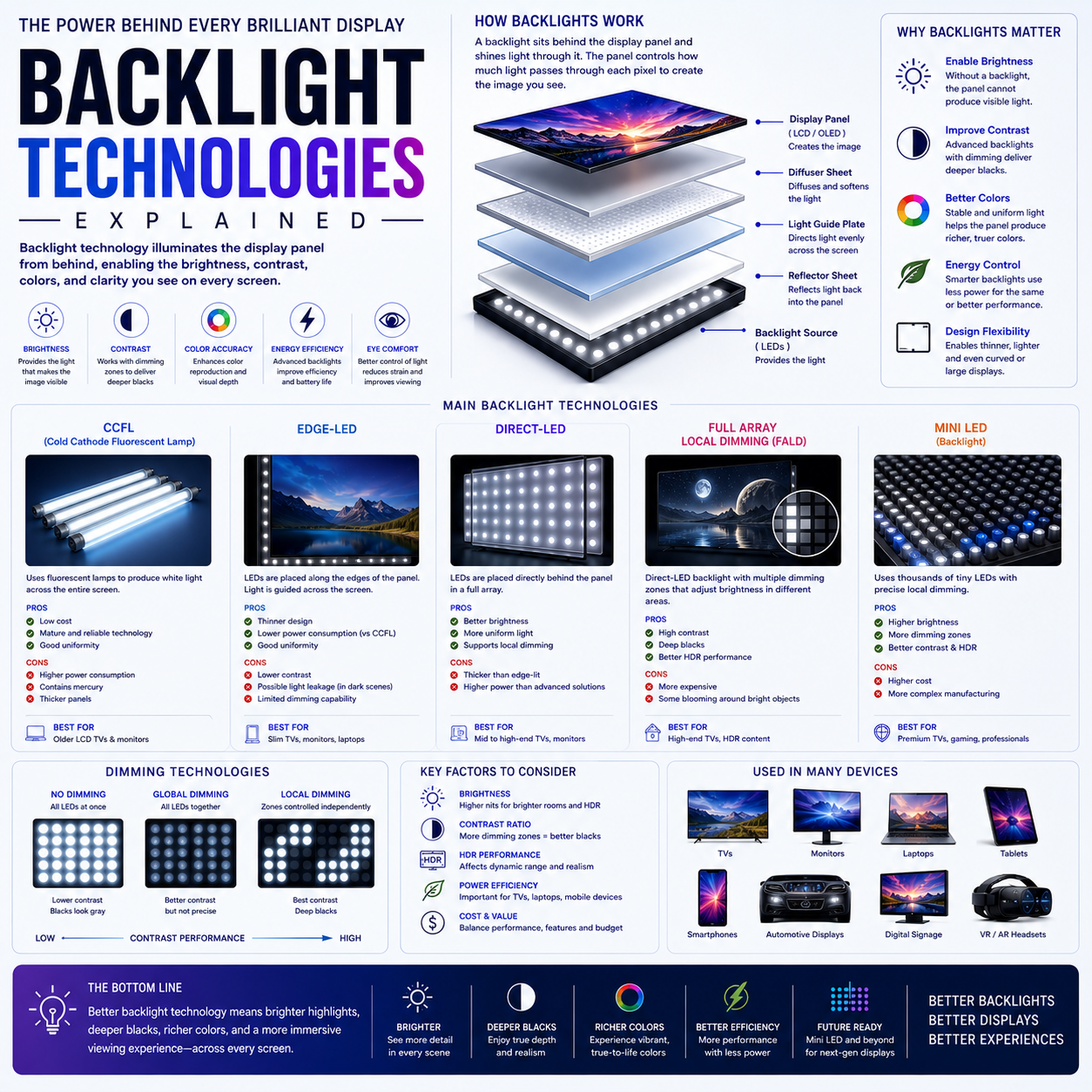
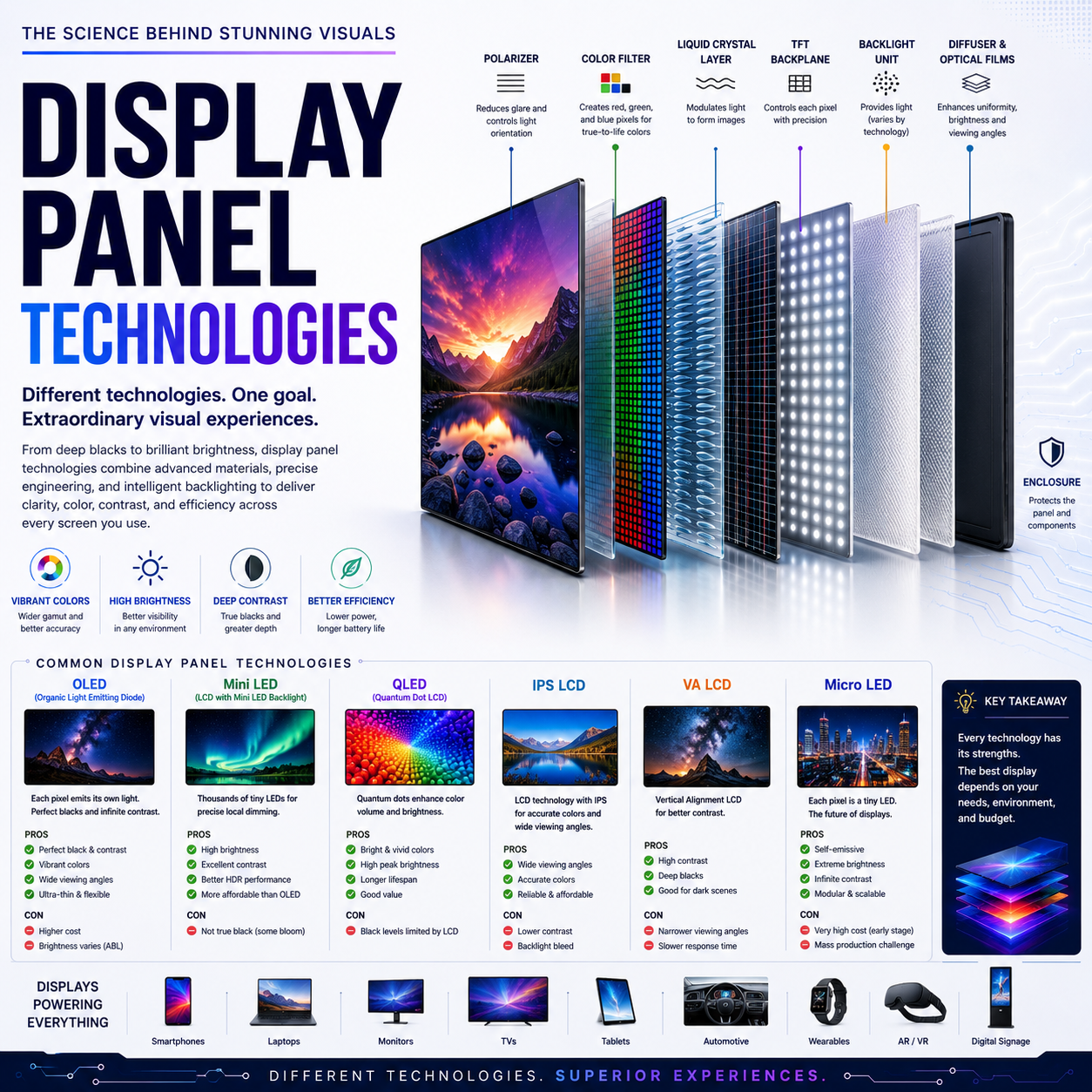
4. LCD Power Consumption
LCD uses a backlight.
The backlight provides illumination across the panel while the LCD layer modulates it.
Simplified:
LED Backlight
      ↓
LCD
      ↓
Image
The backlight therefore represents a significant portion of display power.
A bright image does not necessarily require each LCD pixel to generate more light; instead, the backlight provides the illumination and the LCD controls transmission.
5. OLED vs LCD Power
A simplified comparison:
| Condition | OLED | LCD |
|---|---|---|
| Dark content | Often highly efficient | Backlight remains active |
| Bright full-screen content | Can consume substantially more | Backlight behavior depends on design |
| Local brightness control | Pixel-level | Backlight-level or zone-level |
| Black pixels | Can emit little/no light | Backlight still produces light |
| Power relationship | Strongly content-dependent | Strongly backlight-dependent |
But no universal statement such as:
“OLED always uses less power than LCD”
is technically reliable.
The implementation matters.
6. Brightness and Power
Brightness is one of the most important variables.
Increasing brightness generally requires more electrical energy.
For OLED:
Higher Current
      ↓
Higher Emission
      ↓
Higher Brightness
      ↓
Higher Power
For LCD:
Higher Backlight Output
      ↓
Higher Brightness
      ↓
Higher Power
The exact relationship is not necessarily linear.
7. Refresh Rate and Power
Higher refresh rates can increase power consumption because the system must process and transmit more display updates.
Consider:
60Hz
versus:
120Hz
The display may need to perform approximately twice as many refresh cycles.
But:
120Hz does not necessarily consume exactly twice the power of 60Hz.
The actual result depends on:
- panel electronics
- interface
- display engine
- DDIC
- pixel technology
- frame content
- adaptive refresh
8. Adaptive Refresh
Adaptive refresh allows the display to operate at different refresh rates depending on what is happening on screen.
For example:
Static Image
    ↓
Low Refresh

Reading
    ↓
Moderate Refresh

Scrolling
    ↓
High Refresh

Gaming
    ↓
High Refresh
This avoids unnecessarily operating the panel at maximum refresh when the content does not require it.
It can therefore improve efficiency.
9. LTPO
LTPO = Low-Temperature Polycrystalline Oxide.
LTPO is a backplane technology.
Its importance comes from its ability to support display systems that can operate efficiently across a wide range of refresh rates.
A simplified concept:
High Refresh
     ↕
LTPO Backplane
     ↕
Very Low Refresh
The exact refresh range depends on the display implementation.
The key point:
LTPO is an enabling technology for low-power variable refresh, not a complete adaptive-refresh system by itself.
10. Why LTPO Saves Power
Suppose a display shows a static clock.
Running the entire display at:
120Hz
would perform unnecessary updates.
If the system can operate at a much lower refresh rate:
120Hz
 ↓
Low-refresh state
 ↓
Fewer updates
 ↓
Lower display-system activity
 ↓
Potentially lower power
The actual power savings depend on the entire implementation.
11. Always-On Display
Always-on displays are an excellent example of power optimization.
The device may show:
- time
- date
- notifications
- status icons
without continuously running the display at its full operating rate.
OLED is particularly well suited because unused pixels can remain very dim or off.
Combined with low-refresh operation, this can make persistent information display practical on battery-powered devices.
12. Panel Self-Refresh
Laptop display systems can use:
Panel Self Refresh — PSR
When the image does not change, the panel can maintain the image without requiring the GPU to continuously send the same frame.
Conceptually:
Static Image
      ↓
Panel stores / refreshes internally
      ↓
GPU activity reduced
      ↓
System power reduced
This can be particularly valuable during:
- reading
- document editing
- web browsing
- static desktop use
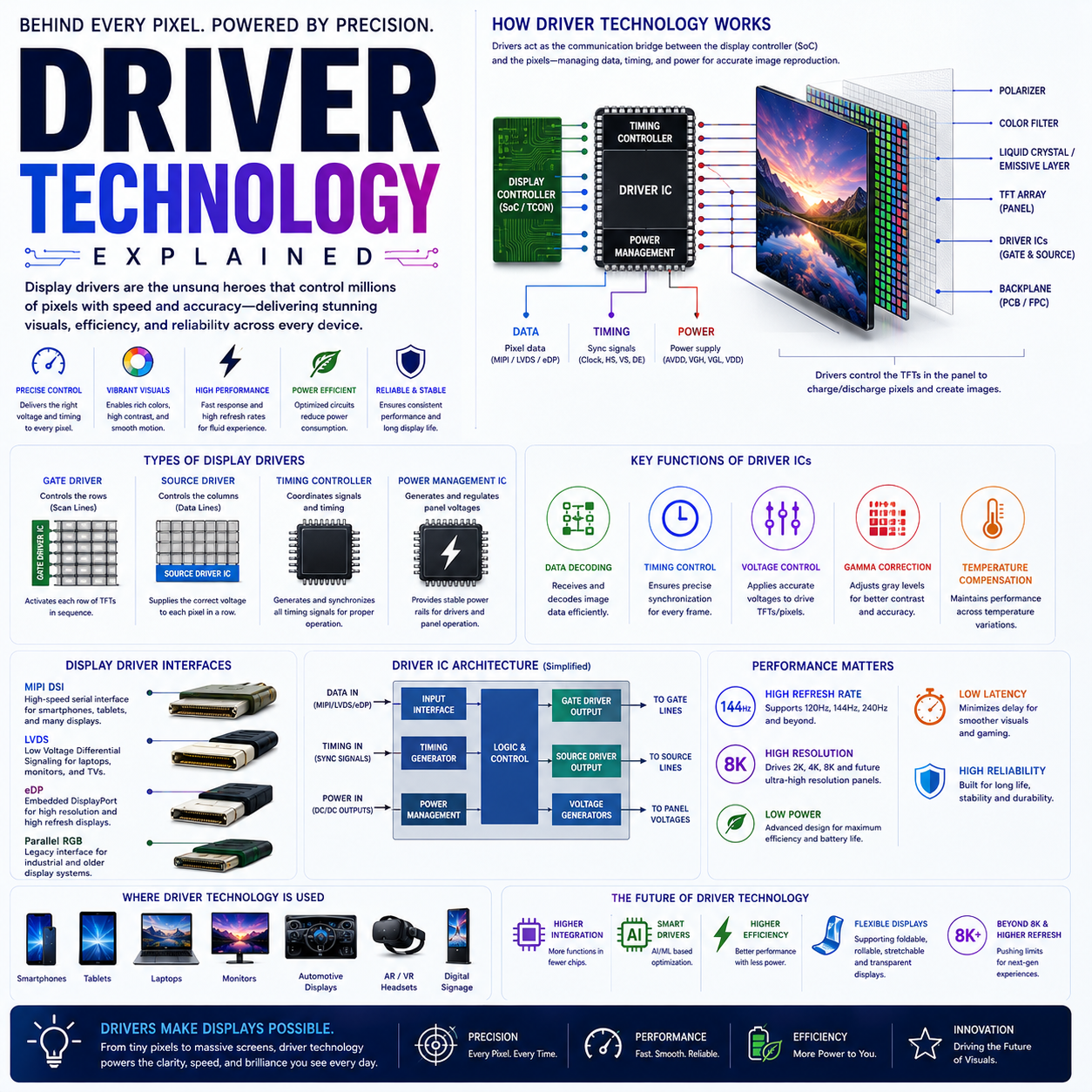
13. DDIC Power
The Display Driver IC also consumes energy.
Its power depends on factors including:
- operating frequency
- voltage
- data rate
- panel resolution
- refresh
- driver architecture
More efficient DDIC design can reduce display-system power.
This is an often-overlooked part of display efficiency.
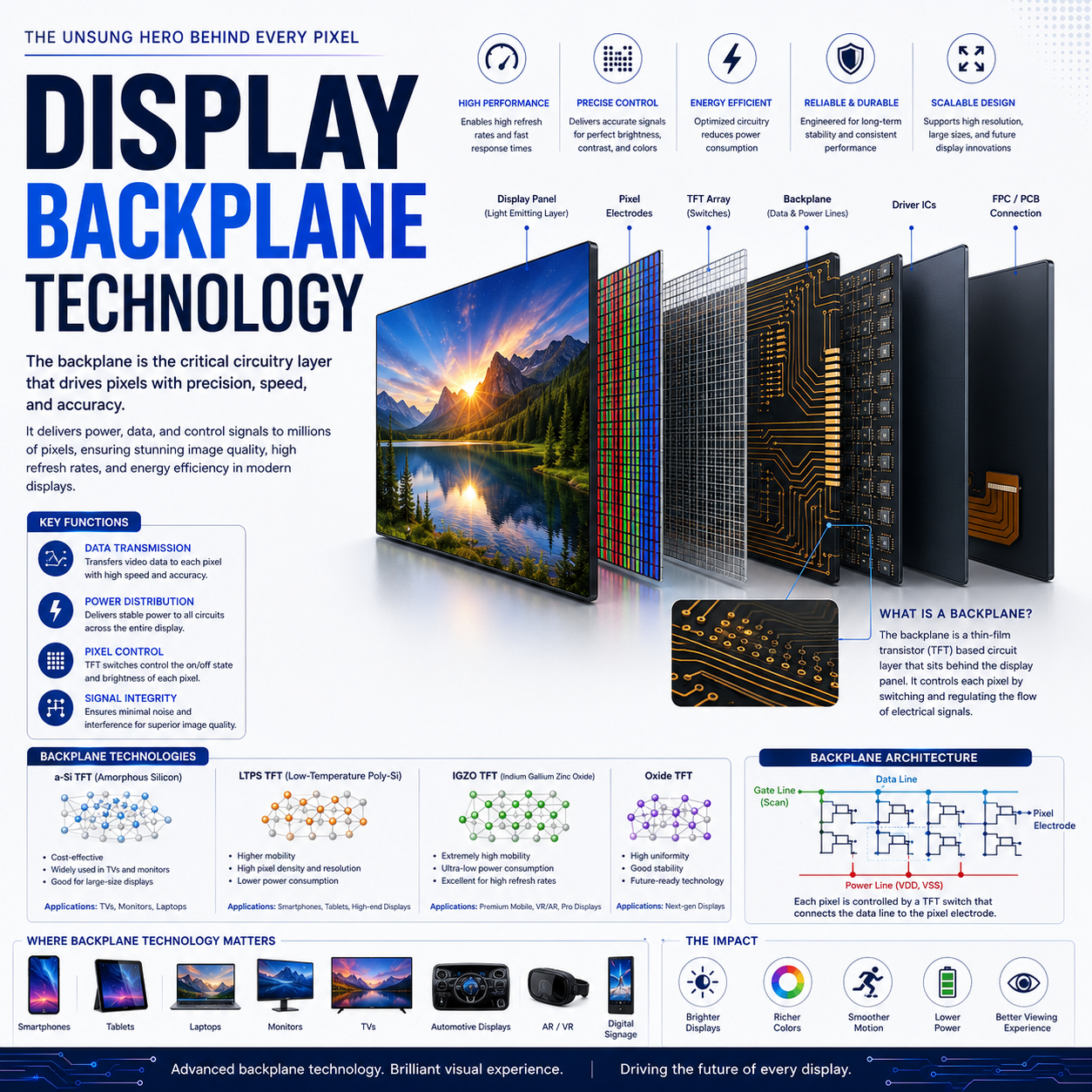
14. Backplane Efficiency
The TFT backplane also matters.
Different backplane technologies can have different electrical characteristics.
Examples include:
- a-Si
- LTPS
- oxide TFT
- LTPO
The backplane affects:
- switching
- leakage
- driving
- refresh behavior
- power
Therefore, display efficiency cannot be analyzed solely from the emissive material or backlight.
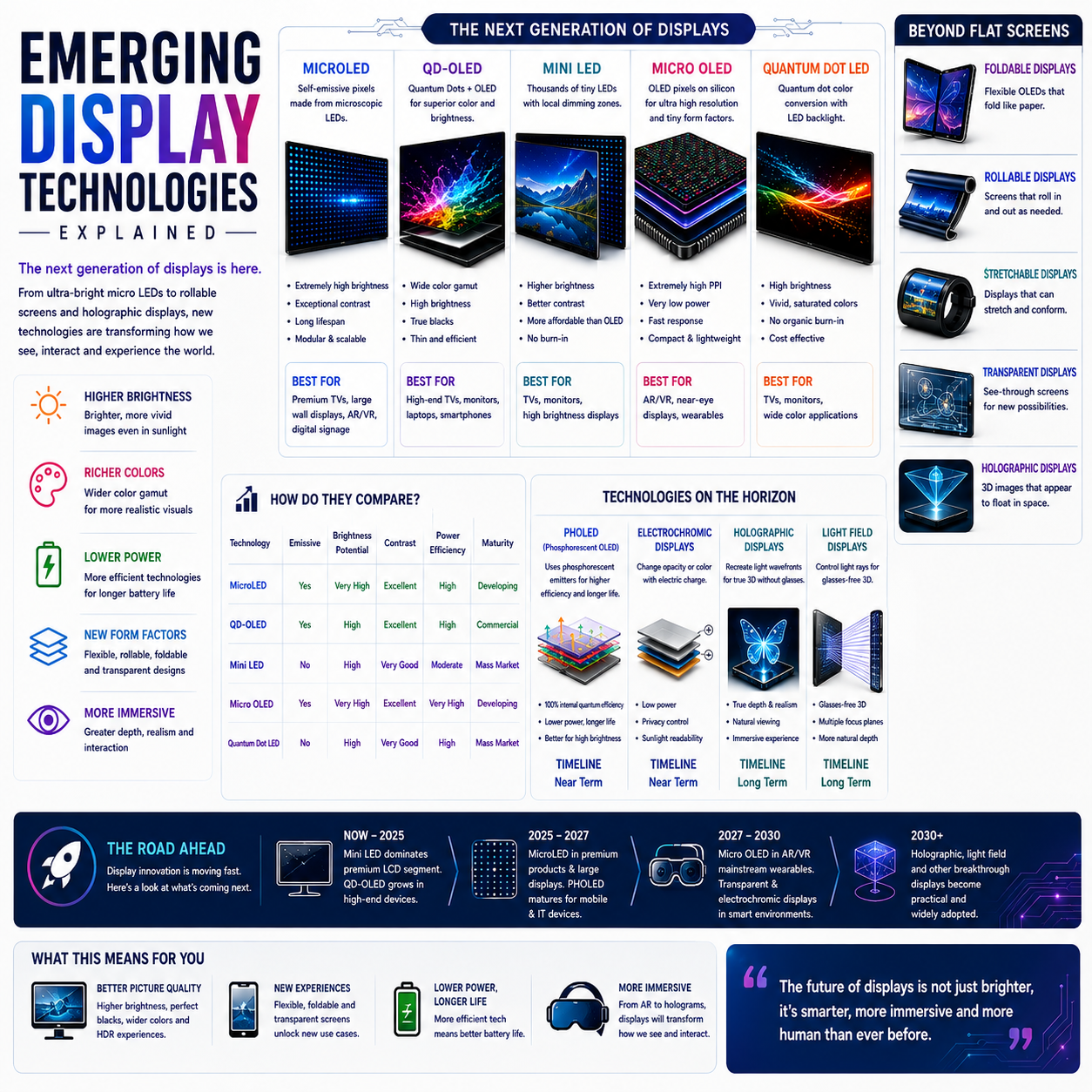
15. Mini-LED Power
Mini-LED LCD displays use many LEDs.
This can enable:
- high brightness
- fine local dimming
- strong HDR
But a large number of LEDs also means substantial illumination hardware.
Power depends on:
- number of active LEDs
- brightness
- zone control
- LED efficiency
- image content
Local dimming can reduce power by lowering illumination in dark areas.
16. Local Dimming and Efficiency
Consider a mostly dark HDR image.
Without local dimming:
Whole Backlight
████████████████
With local dimming:
Dim  Dim  Bright Dim
Dim  Dim  Dim    Dim
Dim  Bright Dim  Dim
Only selected areas receive strong illumination.
This can improve both:
- contrast
- power efficiency
under suitable content.
17. ABL : Automatic Brightness Limiting
OLED displays may use:
Automatic Brightness Limiting — ABL
to manage power and thermal constraints.
If a very large area becomes bright:
Small bright object
      ↓
High peak brightness


Full-screen bright image
      ↓
Brightness may be reduced
This helps control:
- power
- heat
- panel stress
ABL behavior varies by panel and implementation.
18. Thermal Management
Electrical power eventually becomes heat.
Therefore:
Electrical Power
      ↓
Display Operation
      ↓
Heat
      ↓
Thermal Management
Excessive temperature can affect:
- efficiency
- brightness
- panel lifetime
- device temperature
This is particularly important in thin smartphones and laptops where cooling capacity is limited.
19. Brightness vs Efficiency
Display engineering involves a fundamental trade-off:
Brightness ↑
     ↓
Power ↑
     ↓
Heat ↑
Engineers therefore seek:
Higher luminance per watt.
This is one of the most important metrics for future display technologies.
20. Luminance Efficiency
A useful conceptual metric is:
luminance per unit power
or, depending on the technology, optical efficiency measures such as luminous efficacy.
The basic goal is:
More Light
────────────
Less Power
A more efficient display can provide:
- longer battery life
- higher brightness
- lower thermal output
- greater sustained performance
21. PWM Dimming
PWM = Pulse-Width Modulation.
Some displays control brightness by rapidly switching the light source or pixel drive between on and off states.
Conceptually:
ON  ███
OFF
ON  ███
OFF
ON  ███
Changing the duty cycle changes the effective brightness.
PWM is widely used in various display and lighting systems.
22. PWM Frequency
PWM frequency describes how rapidly the switching occurs.
Higher-frequency PWM can reduce the visibility of flicker for many observers.
But:
Higher PWM frequency does not automatically mean better visual comfort for every person or situation.
The complete behavior matters, including:
- modulation depth
- frequency
- waveform
- brightness
- operating mode
23. DC Dimming
DC dimming changes the drive level more continuously rather than relying primarily on PWM switching.
Conceptually:
High Drive
   ↓
High Brightness

Lower Drive
   ↓
Lower Brightness
It can reduce certain forms of low-frequency brightness modulation.
However, OLED panels can have nonlinear behavior at very low drive levels.
This can affect:
- color accuracy
- black levels
- uniformity
Therefore, DC dimming is not automatically superior in every implementation.
24. PWM vs DC Dimming
| Characteristic | PWM | DC Dimming |
|---|---|---|
| Brightness method | Duty-cycle modulation | Drive-level adjustment |
| Low-brightness behavior | Can maintain color characteristics well | May introduce nonlinearities |
| Flicker characteristics | Depends strongly on frequency/modulation | Different modulation behavior |
| Implementation | Common | Common in selected systems |
| Trade-offs | Flicker characteristics | Color/low-level performance |
The implementation matters more than the label.
25. Display Power and Dark Mode
Dark mode can reduce display power significantly on OLED under suitable conditions because dark pixels emit less light.
The effect is much smaller on conventional LCD because its backlight remains active.
Therefore:
OLED + Dark UI
      ↓
Potentially meaningful savings


LCD + Dark UI
      ↓
Much smaller display-power benefit
The actual battery savings depend on brightness, content and device behavior.
26. Display Power and HDR
HDR can increase display power because HDR content can demand higher luminance.
For OLED:
higher pixel emission → higher power
For Mini-LED:
higher backlight output → higher power
The display must therefore balance:
- HDR brightness
- thermal limits
- efficiency
- battery
27. Resolution and Power
More pixels do not necessarily mean proportionally more power.
But higher resolution can increase:
- data processing
- interface bandwidth
- driver activity
- pixel addressing
For example:
1080p
 ↓
1440p
 ↓
4K
As pixel count increases, the system has more information to process and potentially drive.
Panel architecture determines how strongly that affects power.
28. Color and Power
Color reproduction also has a power relationship.
A display that needs high brightness and wide color volume may require more sophisticated:
- emitters
- filters
- quantum dots
- optical systems
- drivers
Efficiency therefore becomes especially important for wide-gamut HDR displays.
29. Display Power in Smartphones
Smartphones combine:
- OLED
- high refresh
- HDR
- high brightness
- LTPO
- adaptive refresh
- always-on displays
This creates a complex optimization problem.
The system may dynamically adjust:
- refresh
- brightness
- processing
- color mode
- power state
to extend battery life.
30. Display Power in Tablets
Tablets have much larger display areas than phones.
That increases the importance of:
- panel efficiency
- brightness
- refresh
- OLED efficiency
- Mini-LED backlight efficiency
Large-screen HDR can create substantial power demand.
31. Display Power in Laptops
Laptops have an additional constraint:
battery capacity + thermal system.
OLED can be highly efficient for dark content.
Mini-LED can provide excellent HDR brightness.
But either technology can consume substantial power under demanding conditions.
This is why premium laptops increasingly combine:
- adaptive refresh
- panel self-refresh
- efficient display engines
- sophisticated brightness control
32. Display Power in Monitors and TVs
For externally powered devices, battery life is not the primary constraint.
Instead, manufacturers may prioritize:
- brightness
- HDR
- performance
- thermal stability
- energy efficiency regulations
- operating cost
Large-screen displays can consume significantly more energy simply because they produce light over a much larger area.
33. The Display Power Stack
A useful system model is:
DISPLAY POWER
│
├── Pixel / Backlight
│   ├── OLED
│   ├── LCD
│   └── Mini-LED
│
├── Backplane
│   ├── a-Si
│   ├── LTPS
│   ├── Oxide
│   └── LTPO
│
├── Driver
│   └── DDIC
│
├── Refresh
│   ├── Fixed
│   └── Adaptive
│
├── Brightness
│   ├── Peak
│   └── Sustained
│
├── Dimming
│   ├── PWM
│   └── DC
│
└── Power Management
    ├── AOD
    ├── PSR
    └── Adaptive Control
34. The Most Important Efficiency Equation
At the system level, think:
Display Efficiency

       Useful Light
────────────────────────
    Electrical Power
The higher this ratio, the more efficiently the display converts electrical energy into useful optical output.
Different display technologies achieve this through different mechanisms.
35. Why No Display Technology Wins Everything
Every architecture has trade-offs.
OLED
Excellent:
- pixel-level control
- dark content
- contrast
- thinness
But must manage:
- emissive efficiency
- heat
- lifetime
- bright full-screen operation
Mini-LED LCD
Excellent:
- brightness
- HDR
- sustained illumination
But must manage:
- backlight power
- zone control
- optical losses
- blooming
Therefore:
Display engineering is optimization, not simply a race toward one universally superior technology.
36. The Future of Display Efficiency
Future developments are likely to focus on:
More efficient OLED emitters
More light per unit current.
Better blue emitters
Improved efficiency and lifetime.
More efficient MicroLED
Potentially very high brightness with strong efficiency.
Better Mini-LED LEDs
Higher efficiency at lower electrical power.
Smarter adaptive refresh
More aggressive reduction of unnecessary updates.
Improved display drivers
Lower electrical overhead.
Better optical systems
More useful light reaching the viewer.
AI-driven power management
Predicting content and adjusting display behavior dynamically.
37. The Reader’s Mental Model
When evaluating display power, ask:
What produces the light?
OLED, LCD backlight, Mini-LED, MicroLED?
How much light is required?
Brightness and HDR matter.
How often does the display update?
Refresh rate matters.
How efficiently is the panel driven?
Backplane and DDIC matter.
Can the system reduce unnecessary operation?
LTPO, adaptive refresh, PSR and AOD matter.
How is low brightness controlled?
PWM/DC dimming matter.
How much heat is generated?
Thermal management matters.
This is the correct way to analyze display power.